Dashainko Dakshina: 18% OFF on All Courses!
Photoshop Training
Photoshop Training Institute in Kathmandu, Nepal
Thousands of students have started their careers after getting certified by Broadway Infosys
Updated On: 17/07/2026
Created On: 10/11/2017
Course Overview
This training prepares the aspiring designers to handle various Adobe products for performing specific tasks such as creating logos, flyers, digital magazines, designing web pages etc. Broadway offers career-oriented Adobe Photoshop training in Nepal to produce professionally competitive web and graphics designers. Also, the training is equally important for video professionals, brand executives, media executives and any individual interested to learn Photoshop.
Tools Covered
Some of the major industry-relevant tools you'll work with in this course include:
-
Adobe Photoshop CC
-
Midjourney
What Our Students Say About Photoshop Training

Rakesh Ray
InDesign Training
I am frankly speaking BroadwayInfosyss Nepal is one of the best IT institutes in this city and to make a friendly environment with highly experienced teachers and well infrastructure. Broadway Infosys Nepal is the big platform for those students who...

Sushmita Karki
InDesign Training
An instructor is a good person and a good teacher too. The way he teaches us that is really appreciated and impressive. I would like to study with him again and also would glad to be work with him in...

Amita Lama
Illustrator Training
By joining Graphic Design class in BroadwayInfosys Nepal I the got best opportunity to present my skills with the help of an excellent teacher. Broadway Infosys is the best experience of mine. I am satisfied with whatever I have learnt. Thank...
Students who got hired learning with us
Hear from graduates who have completed our courses.
College/Faculty: Liberty College / BCSIT
Working At: Nandi Solutions Pvt. Ltd.
Position: Full-Stack Development Intern
College/Faculty: Shree College of Management / Chartered Institue of Management in Accountancy
Working At: Pioneer Business And Tax Solutions Pvt. Ltd.
Position: Accounting Intern
College/Faculty: The British College / BSc(Hons) Computing
Working At: Codeilo Solutions Pvt. Ltd.
Position: Senior Node developer
College/Faculty: Jana Bhawana Campus / BBS
Working At: Sakchha Technology
Position: Graphic Designer
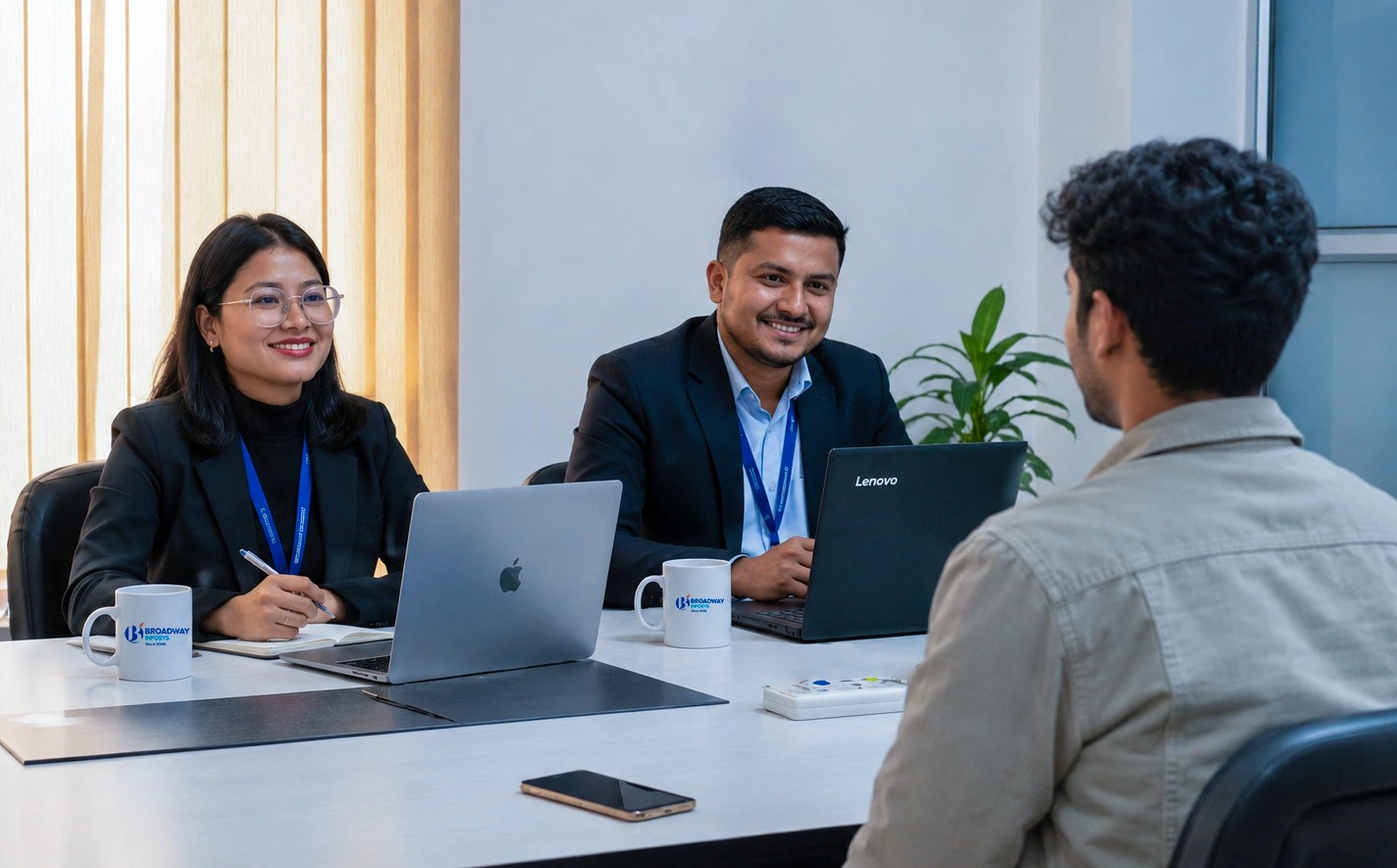
Our graduates are hired by 470+ companies in Nepal
Time for you to be the next hire. With our advanced and industry relevant courses, you are on the right stage to start your dream career.
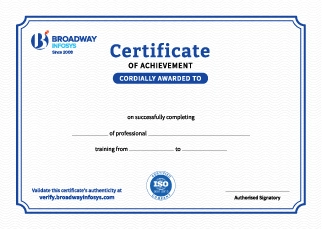
Earn a High Value Industry Certificate
Add this credential to your LinkedIn profile, resume, or CV to stand out to recruiters.
Already earned a certificate?
Verify it here
Frequently Asked Questions
- Basic computer knowledge is recommended.
- No prior Photoshop experience is required.
- Basic knowledge of design is helpful but not mandatory.
- No professional graphic design experience is required.
- Beginners with an interest in graphic design can join the training.
After completing the training, you will be able to confidently use Photoshop for photo editing, retouching, image manipulation, background removal, color correction, and graphic design. You will also be able to create professional social media graphics, marketing visuals, and creative designs while building practical skills for freelancing, employment, and portfolio development.
Yes. Practical exercises and design projects help you apply Photoshop tools and techniques to real-world design requirements. This can include promotional graphics, social media designs, photo editing, and creative compositions.
Photoshop is an important graphic design tool, but professional designers often use multiple tools depending on the type of work. Learning applications such as Illustrator, InDesign, Figma, or other design tools can further expand your capabilities.
You will receive trainer guidance throughout the course, including help with Photoshop tools, design techniques, practical exercises, project work, and common editing challenges.
Yes. Depending on your requirements, you can discuss suitable schedules with the training team. One-to-one training and group-based learning options may also be available
Our course is available in hybrid training mode. You can attend classes in person or join online, whichever works best for you. If you cannot attend in person on a particular day, you can simply join the class online instead.
The course pricing varies depending on the subject and level. For detailed information on the course price, please contact us directly: +977-9841002000 / +977-1-4111849. Our team will be happy to guide you or send us an email at [email protected].
Our syllabus outlines are only the headlines of the major modules. To ensure a complete understanding of the course, we offer free counseling. Also, if you have specific modules in mind, you can customize the course. Send your inquiry today!
Lesson 1: Adobe Photoshop CC
This course is focused on the manipulation of digital images through image readiness, editing and image creation. You will learn how to create a new image, crop, transform, paint, enhance, retouch, resize and add artistic feel. Selection methods and working with layers are also dealt with in this course.
The aspiring graphic designers interested to use Photoshop to manipulate images and those interested to understand basics with a view to using it with other applications InDesign.
At the end of this course, delegates will be able to:
- Effectively Use tools/palettes and understand the terminology
- Image Selection using a variety of ways and Crop and Transform them
- Resize images, modify resolution, repair and retouch photos
- Properly understand and work with Layers, Masks and Channels
- Optimize graphics for printing and use with the web
- The Photoshop Screen
- Getting to know the Tools & Palettes
- Utilizing guides, grids and rulers
- Zoom shortcuts and convenient navigation
- Why use Selections?
- Creating selections using Marquee tools
- The Magic Wand and Quick Selection tool
- The Lasso tools
- Adding or Deleting from selections
- Saving and Loading selections
- Tonal Values Control
- Toned and Tinted Images creation
- Selecting by color range
- Feathering selections
- Quick Mask mode
- Properly Using the Histogram palette
- Fixing color with variations
- Using Levels and Curves to fix tone & contrast
- Color balance and variations
- Hue and saturation controls
- The Vibrance command
- Color correction using AI platforms and final compilation in Photoshop
- Custom colors
- Dodge and burn tools
- Crop and rotate artwork
- Sharpen and Blur filters
- Focus tools
- The Clone & Heal tools
- The Healing Brush tools
- The Color Replace tool
- Red eye reduction
- Digital darkroom techniques
- Gradients creation and editing
- Using Plug-ins and filters
- Using the Unsharp Mask
- Cloning Images
- Using the Burn/Dodge/Sponge Tools
- Print and web safe colors
- Mixing and applying paint and fill colors
- Using the Paint Bucket tool
- Using the Airbrush, Pencil, Paintbrush and Eyedropper tools
- Drawing shapes
- Creating vector shape layers
- Polygon, line and custom shape tools
- Adding, subtracting, intersecting commands
- Editing vector shapes using the pen tools
- Adding color fills, patterns and gradients
- Introducing in Mid Journey AI platform
- Writing script to generate AI images for designing
- Multiple Layers creation and viewing
- Moving, scaling and rotating layers
- Linking & aligning Layers
- Merging, Flattening and Saving Layers
- Locking and protecting layers
- Layer groups
- Applying and editing type
- Converting shape and text layers
- Saving and flattening layered files
- Applying transparency
- Fundamental modes of layer blending
- Text and adjustment layers
- Special effects
- Drop shadows, glows and embossing
- Layer masks
- Fresh Features
- Text Layer Creation
- Text Paragraphs
- Adding Text Effects,
- Painting Text
- Anti-aliasing Text
- Introducing ChatGPT
- Creating content for designing material
- Frame Animation
- Video timeline
- gif file export
- Photoshop filters utilization
- Working with the Filter Gallery
- Fading the effects of filters
- File formats
- Right color mode selection
- Adjusting resolution and image size
- Canvas cropping and enlargement
- Printing and Optimizing Documents
- Color modes, resolution & image size
- Printing from Photoshop and other Applications
- The Save for web command
- Developing Transparent GIF files


PHP Training

Web Design Training

UI/UX Design Training


Advanced SEO Training
InDesign Training
Graphics Design Training

Illustrator Training


Upcoming Classes (4)
Why Photoshop Training?
Editing to Artistic Creation: Master image selection, retouching, and enhancement, then move into digital painting and vector shapes a complete creative skillset, not just basic edits.
AI-Enhanced Creativity: Learn AI-assisted color correction and image generation with Midjourney, plus ChatGPT for content creation modern tools alongside classic techniques.
Real Professional Applications: Build banners, website mockups, brochures, and design interfaces practical outputs used across marketing, web, and print.
Layers, Masks & Advanced Control: Master layer blending, masks, and channels the technical depth that separates confident designers from beginners.
Wide Career Relevance: Valuable not just for designers, but for video professionals, brand executives, and media professionals who need visual skills.
Guided Project Work: Practice under the direct supervision of instructors and experts, turning technique into a real, feedback-driven portfolio piece.
Quick Inquiry
Choose class schedule(s)
-
12 Oct 2026
-
26 Oct 2026
-
01 Nov 2026
-
17 Nov 2026